











The 888bet app is the Android version of the betting platform, built for phones and tablets rather than desktop screens. Instead of loading pages in a browser tab, you get a single icon on your home screen that opens straight into sports, live markets and casino games. For players in Tanzania who bet from a phone most of the time, that shortcut removes several taps from every session.
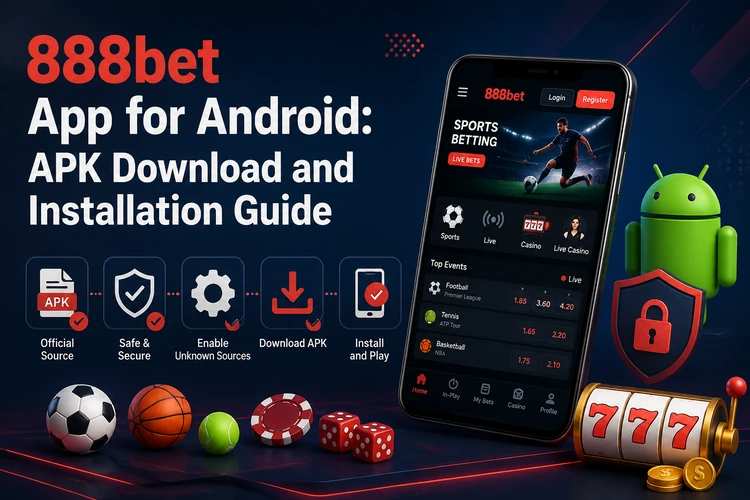
Android users install the app from an APK installer file rather than through a store listing, because betting apps are restricted in many app catalogues. That is normal for this category, but it means the source of the file matters more than usual. Download it from the official website only, and treat any third-party mirror or file-sharing link with suspicion.
About the 888bet Mobile App
The application is a full betting client, not a cut-down version. Sports markets, live betting, the casino lobby, deposits, withdrawals and bet history sit inside the same interface. Navigation is arranged for one-handed use: a bottom bar for the main sections, a search field for teams and events, and a bet slip that stays reachable while you keep browsing.
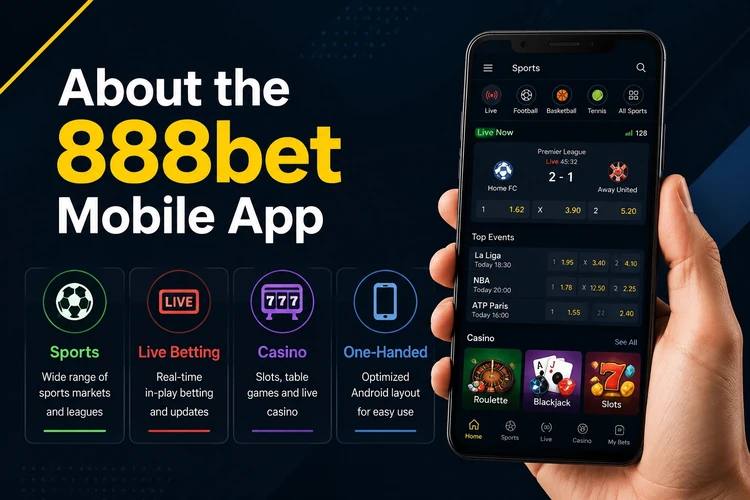
Because the interface is stored on the device, only match data and odds travel over the network. On a 3G connection or a weak 4G signal, that can make pages feel more responsive than a browser session that must reload images and scripts. Login details may be remembered between sessions depending on the device settings, so use a private phone and protect it with a screen lock.
Downloading the 888bet APK
Start on the official site on the phone you plan to use. Open the mobile app section, choose the Android file and confirm the download when the browser asks. The file is small by modern standards, so it usually completes quickly on a stable connection; older Android browsers may warn that the file type could be harmful, which is a generic message shown for APK files.
Before installing, check what you actually downloaded. Open your Downloads folder or notification shade and confirm that the file name ends in.apk and that the size looks reasonable rather than only a few kilobytes, which usually indicates an interrupted transfer. If the download stalled, delete the partial file and start again instead of trying to open it. Keeping one current copy in the folder avoids confusion when you update.
- Step 1: Open the official website in your Android browser.
- Step 2: Go to the mobile application section and tap the Android download button.
- Step 3: Accept the browser warning and wait for the transfer to finish.
- Step 4: Check the file name and size in your Downloads folder.
Installing the Application
Tap the downloaded file to begin. Android may block the installation the first time and offer a settings shortcut. This is the permission for installing apps from outside the store, and it is granted per browser or file manager rather than system-wide. Enable it for the app that performed the download, then return to the Downloads folder and tap the APK again.
Installation usually takes only a few seconds. When it finishes, open the app and either log in to your account with your existing phone number and password or complete registration if you are new. Your balance and bet history are tied to the account, not the device, so moving from the browser to the app does not create a separate balance. The login page is also available if you prefer to sign in through the mobile site first.
Mobile Features
The app brings pre-match and live sports betting into the same mobile workspace. Football, basketball, tennis, cricket and other markets can be available, with in-play odds shown on the event page. The casino section may include slots, table games and live dealer tables, while Aviator is available for players who prefer short rounds over longer casino sessions.
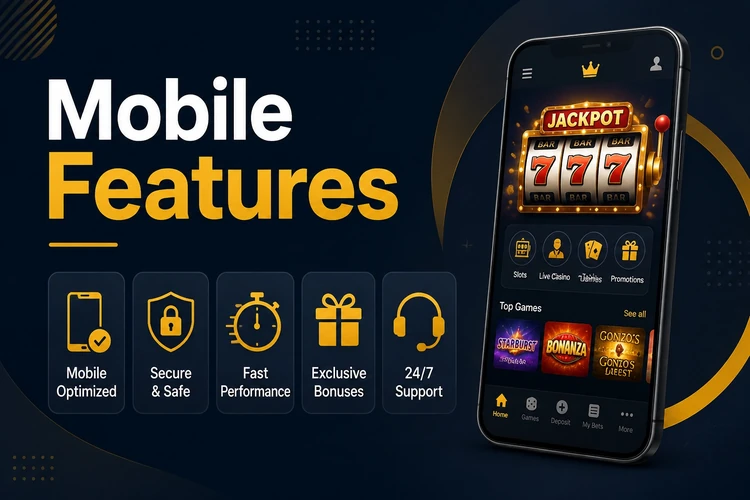
Account tools include deposits through available local payment methods, withdrawal requests, transaction history and bet history with settled and open coupons. Push notifications can be enabled for selected events, settled bets or account activity, and switched off when they become distracting. Display settings, odds format and language preferences may be stored on the device, while account and transaction information remains connected to the user profile.
- Pre-match and live sports betting, with cash-out where available
- Casino lobby with slots, table games and live dealer sections
- Deposits and withdrawals using available mobile payment methods
- Bet history, open coupons and transaction records
- Push notifications for selected events and account activity
Android Requirements
The draft requirements state that the app runs on Android 5.0 and above. You need roughly 50-100 MB of free storage for the installer and cached data, although the exact amount can change with later versions. At least 1 GB of RAM is a practical baseline for live pages, where odds refresh frequently. A stable Wi-Fi or mobile data connection is also needed for current markets and account actions.
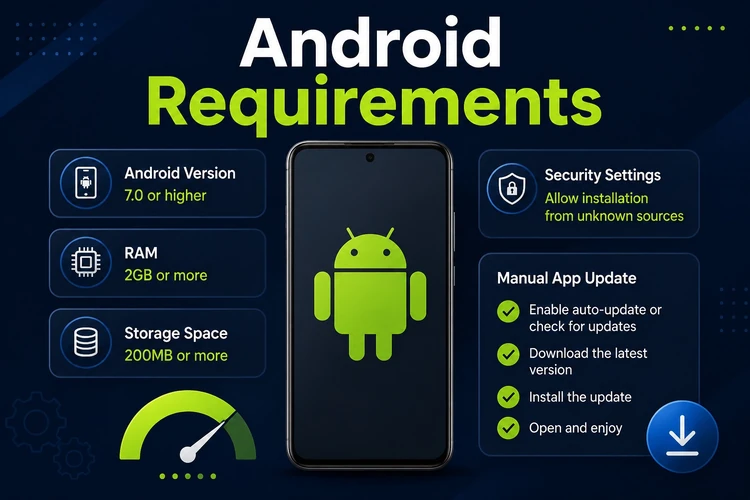
Updates are not delivered through a store, so check the mobile application section on the site occasionally and download the current file when a new build is published. Installing over the existing app normally keeps the account data, but confirm that you have the correct account credentials before starting. Keep Android security updates current, and change the account password if you lose or sell the phone.
App vs Browser Version
Neither option suits every situation. The app can be more convenient for regular use and notifications, while the browser is useful on someone else’s phone, an iPhone or a device with little free storage. The browser also avoids manual installation. Using both gives a practical backup when one option is unavailable.
| Feature | Mobile App | Browser Version |
|---|---|---|
| Loading speed | Interface elements may load faster after installation | Depends on the connection each visit |
| Push notifications | Available if enabled | Limited compared with an installed app |
| Performance on live pages | Designed for the phone interface | Depends more heavily on browser resources |
| Works in a browser | No browser required after installation | Yes, on a compatible device |
| Installation | APK file required | None |
| Updates | Manual download of a new build | Handled when the site is refreshed |
Common Installation Problems
Most failures come down to an incomplete download, a blocked permission or insufficient free storage. If the file will not open, delete it and download again on a stable connection. If Android reports that the app was not installed, check that you granted permission to the same browser used for the download and remove any older broken copy before trying again.
When storage is the issue, clear cached data from large apps or remove unused files. On very old Android versions, the installer may refuse outright; in that case, use the mobile site in a browser. If login fails after an update, use the password-reset option on the sign-in screen before reinstalling, since account problems and installation problems are separate. Persistent trouble is worth reporting through the contact page with the device model, Android version and any exact error message.
Betting is entertainment, not income. Set deposit limits before you start, take breaks and use the account tools if a session stops being enjoyable. 18+
FAQ
Open the official website on your Android phone and go to the mobile application section, where the current build is published. Tap the Android download button and confirm the transfer in your browser. Avoid third-party download sites because their files may be outdated or modified.
The app costs nothing to download or install. You spend money only when you deposit into your account and place bets. Standard mobile data charges from your network still apply while you use it.
Android can block installers that did not come from an app store until you allow installation from that source. When the warning appears, open the settings shortcut and grant permission to the browser used for the download, then open the file again. The permission can be removed after installation.
Yes. Log in with the same phone number and password you already use, and your account balance, open bets and history should be connected to the profile. You do not need to create a second account.
The stated minimum is Android 5.0 or newer. Around 100 MB of free storage and 1 GB of RAM provide a practical baseline, especially for live betting pages. Older or low-memory devices can use the mobile site in a browser if the app does not run reliably.
Updates are manual because the app is not distributed through a store. Download the current file from the mobile application section and install it over the existing app. Check the file source before opening it, and make sure the phone has enough storage and battery to complete the process.